
Box3 React Development Guide
Info
This framework only supports Box3 client-side development and cannot be used on the server.
This guide will help you get started with Box3 React development quickly. By using React's component-based development approach, you can build and manage your game's UI more efficiently.
Installing Dependencies
You can install the @dao3fun/react dependency package in the following two ways:
Method 1: Install with the ArenaPro Plugin (Recommended)
- In VSCode, press
Ctrl + Shift + P(Windows) orCommand + Shift + P(macOS) to open the command palette. - Type "ArenaPro" and select the
ArenaPro: View Box3 NPM Packagescommand. - Enter
reactin the search box. - Select the
@dao3fun/reactpackage and click "Confirm Installation" in the bottom-left corner. - Wait for the installation to complete. A success message will appear in the bottom-right corner of VSCode.
Method 2: Install with npm
Execute the following command in the project's root directory:
npm install @dao3fun/reactEnvironment Configuration
After installation, you need to perform the following configurations to support React development:
Configure tsconfig.json
- Open the
tsconfig.jsonfile in the project'sclientdirectory. - Add the
jsxconfiguration tocompilerOptions:jsonAfter this configuration, TypeScript will correctly recognize JSX syntax.{ "compilerOptions": { "jsx": "react" // other configurations... } }
Configure dao3.config.json
- Open the
dao3.config.jsonfile in the project's root directory. - Change the
entrytosrc/clientApp.tsx.
Modify the Client Entry File
Due to framework reasons, you need to use a .tsx or .jsx format file as the entry file, instead of .js or .ts.
Create or modify the clientApp.tsx file in the client directory.
Quick Start
The tag system of Box3 React is fully compatible with the Box3 UI API, for example:
<box />corresponds toUiBox<text />corresponds toUiText
UI styles are set through the style attribute. For specific APIs, please refer to the Box3 UI API Documentation.
Let's look at a simple example to understand the basic usage:
// clientApp.tsx
import React from "@dao3fun/react";

function App() {
  return <box>Hello, React</box>;
}

React.render(<App />, ui);The effect is as follows:
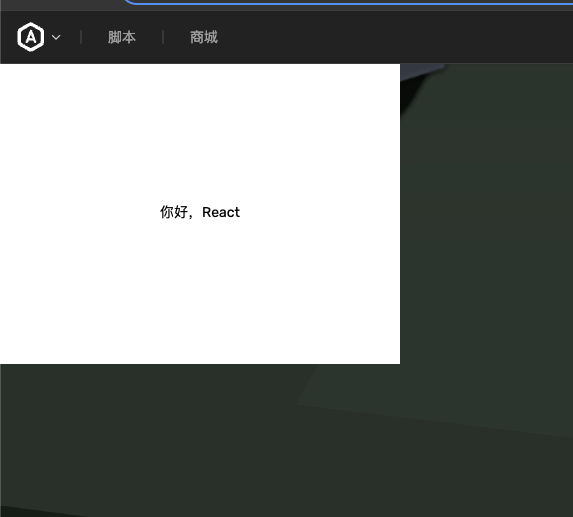
As you can see, the rendering effect is identical to a manually created UI.
Special Note: If you use text content directly without wrapping it in a <text /> tag, the system will automatically create a UiText component and display it centered by default.
Let's look at another example using the <text /> tag:
import React from "@dao3fun/react";

function App() {
  return (
    <box>
      <text>Hello, React</text>
    </box>
  );
}

React.render(<App />, ui);The effect is as follows:
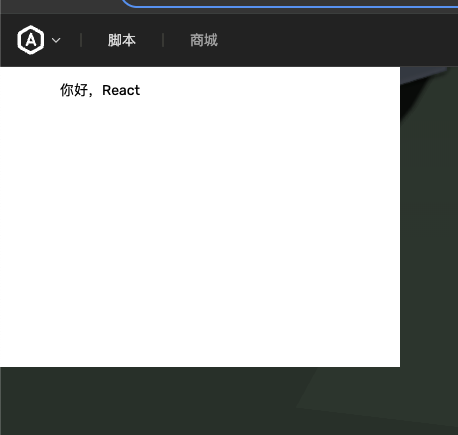
Fragment
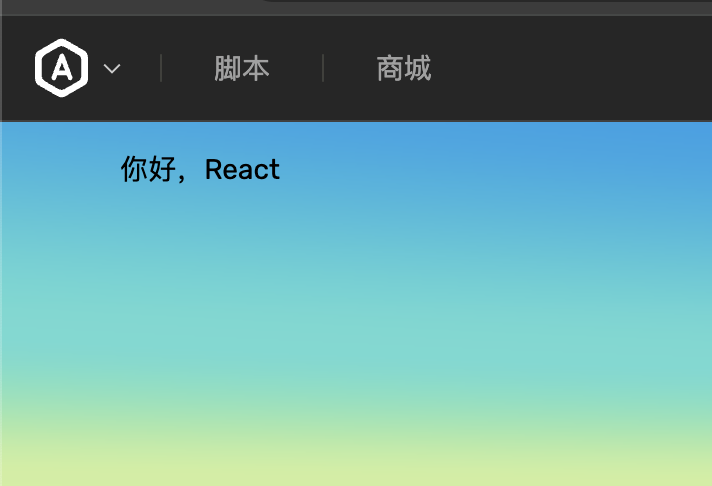
The <fragment /> or <> tag is used to group multiple components together without creating a parent component.
import React from "@dao3fun/react";

function App() {
  return (
    <>
      <text>Hello, React</text>
    </>
  );
}

React.render(<App />, ui);The effect is as follows:
Congratulations! You have successfully completed the basic configuration and simple usage of Box3 React. For more features and development techniques, please continue reading the subsequent documentation.